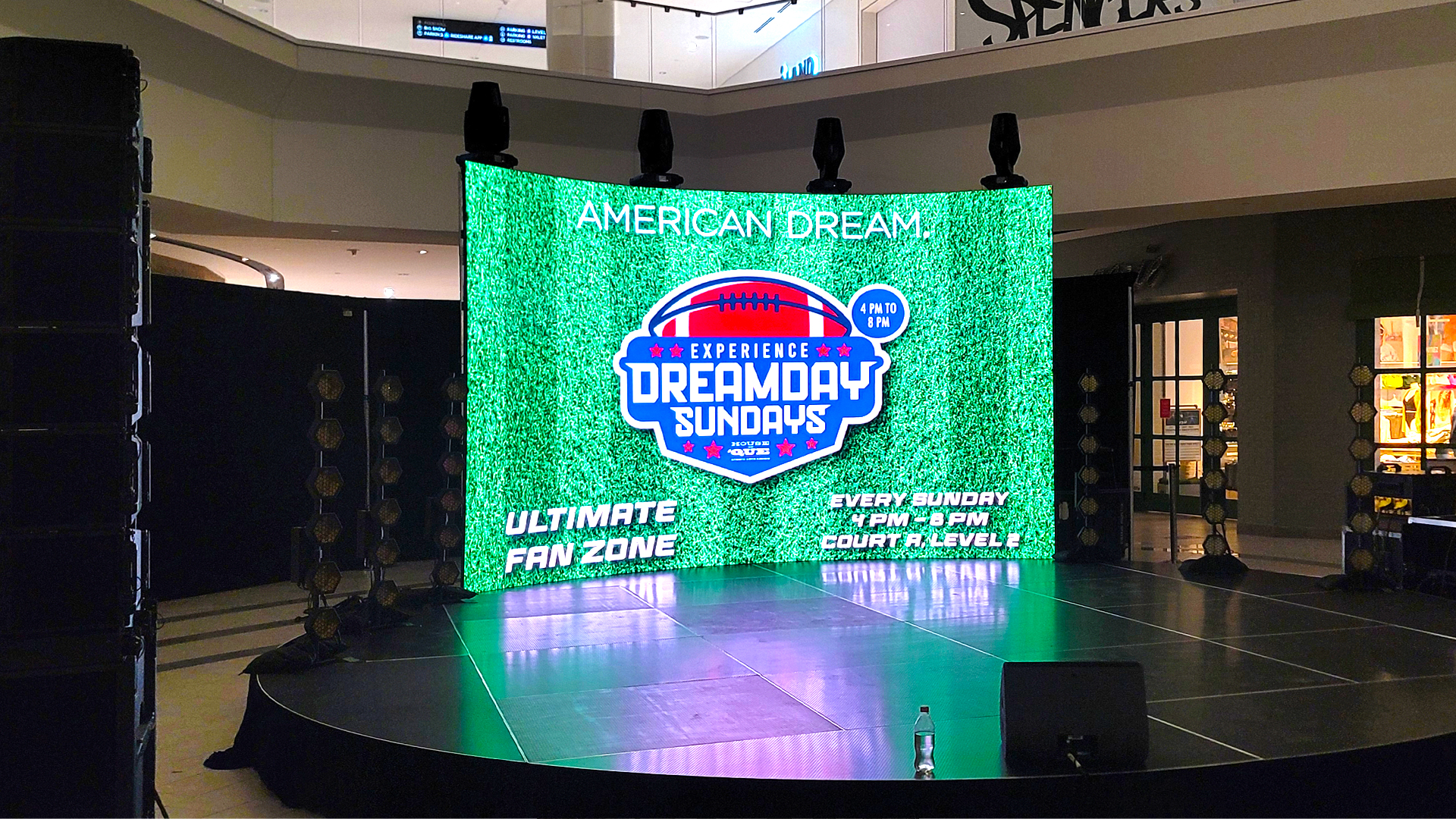
When Video Walls Display Their Own Programming
The Unauthorized Broadcast
The corporate keynote was proceeding precisely on schedule. The CEO stood before a massive ROE Visual Black Pearl LED wall displaying carefully approved brand messaging. Then, without warning, the screen behind them switched from the corporate PowerPoint to what appeared to be the video engineer’s laptop screensaver—a slideshow of vacation photos that definitely hadn’t been reviewed by the marketing department. The CEO continued speaking, unaware that approximately 3,000 employees were now viewing their technical director’s beach holiday rather than Q3 revenue projections.
Understanding Video Signal Routing
Modern LED video walls receive content through signal chains involving multiple devices—media servers, scalers, matrix switchers, and LED processors—each representing potential points where incorrect content can enter the display path. The Barco E2 and Analog Way Aquilon presentation switchers that dominate corporate production offer sophisticated source management, but their complexity creates configuration possibilities where wrong sources route to outputs.
The backup source functionality designed to prevent black screens during source failures can paradoxically cause content problems. When primary sources experience momentary dropouts, auto-failover switches to backup inputs that may contain unexpected content. The presenter whose laptop briefly sleeps may find the audience viewing whatever backup source—potentially test patterns, calibration images, or the technical director’s display—occupies that failover position.
Media Server Mishaps
The media servers generating content for LED walls—disguise, TouchDesigner, Resolume, Notch—run complex software stacks where crashes, freezes, and unexpected behaviors occur despite rigorous testing. A disguise gx 2c server that performed flawlessly through technical rehearsal may hang during performance when memory accumulation from hours of operation exceeds available resources.
The playlist structures within media servers create their own hazards. Content organized in sequential playlists will advance to the next item when current content ends—which might be test content that was never intended for display. Looping content that unloops unexpectedly presents similar risks. The video engineer who builds defensive playlists with appropriate holds and safe fallback content protects against these scenarios.
LED Processor Configuration Errors
The LED processors that convert video signals into data streams for panels—Brompton Tessera, NovaStar, ColorLight—maintain input source configurations that can switch unexpectedly. A Tessera SX40 processor configured with multiple inputs may respond to EDID changes or signal dropouts by switching to alternate sources. The input priority settings that seem clear during setup become confusing when multiple sources contend.
The test pattern generators built into most LED processors provide diagnostic tools that operators sometimes forget to disable. The NovaStar MCTRL4K controller’s built-in test patterns can override video inputs if accidentally triggered—a single wrong button press during live shows can replace program content with color bars or gradient patterns that make technical competence appear questionable.
Network and Control System Interference
LED walls connected to control networks can receive commands from unexpected sources. The REST APIs and TCP/IP control protocols that enable sophisticated automation also accept commands from any network device that knows the correct port and syntax. A misconfigured show control system sending commands intended for a different device can trigger source switches or content changes on LED processors that happen to be listening.
The IP address conflicts that occur when multiple devices claim identical network addresses create unpredictable behavior where commands reach wrong destinations. A Brompton processor and lighting node accidentally sharing an IP address may both respond to commands intended for either—potentially changing LED source selection when lighting commands arrive.
Content Verification and Approval Workflows
Preventing unauthorized content display requires workflow discipline beyond technical configuration. Every piece of content that could potentially reach the LED wall—including test patterns, backup sources, and failover images—should undergo appropriate review. The media asset management systems used by professional productions track content approval status, ensuring nothing reaches display systems without proper authorization.
The technical director bears ultimate responsibility for content reaching display surfaces. Establishing content lockout procedures during shows—physically disconnecting unauthorized sources, software-blocking additional inputs—prevents the accidental displays that create embarrassing incidents. The five minutes spent securing content paths eliminates the hours spent explaining to clients why their CEO presented against a backdrop of someone’s personal photographs.
Recovery Techniques for Live Content Failures
When wrong content does appear on LED walls during performances, response speed determines damage severity. The video director must maintain immediate access to source override controls that can force correct content regardless of automated routing. Having blackout capability—the ability to immediately blank the wall—provides emergency option when correct content isn’t immediately available.
The post-incident root cause analysis must identify exactly how unauthorized content reached the display. Without understanding the specific failure path, similar incidents will recur. Documentation should capture signal routing states, processor configurations, and network conditions at the time of failure, enabling both immediate correction and long-term prevention.
