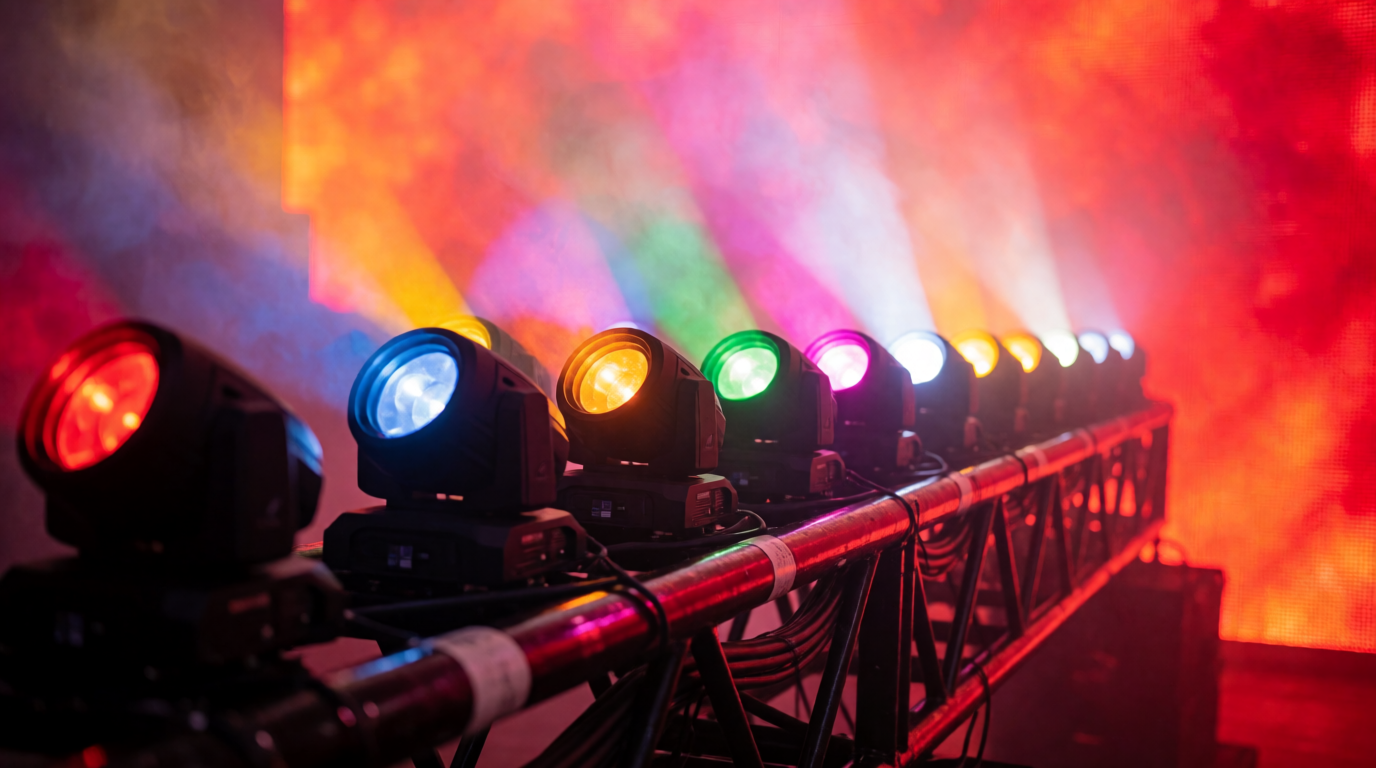
A flame projector fires a half-second early, the lighting console is still on a blackout, and the front row sees the stage reveal itself as a haphazard flash instead of a designed hit. That moment is why pyro and lighting synchronization is treated as a discipline of its own. When it works, the audience feels a single, thunderous event. When it fails, the whole room sees the seams.
A Brief History of Fire on Stage
Spectacle has always lived beside fire. The 1970s rock era, with KISS igniting flash pots and Pink Floyd unleashing flying pigs and exploding props, taught the industry that special effects were a language, not a garnish. Early pyro was fired by crude manual boxes, and timing depended on a technician’s reflexes. The arrival of MIDI Show Control in 1991, followed by modern timecode-driven firing systems, turned that craft into a precisely scheduled operation.
Know Your Firing Systems Before You Design the Look
Different effects arrive with different hardware. Pyrodigital Consoles, Galaxis, and FireOne systems are widely used to fire pyrotechnics via addressable firing modules, while CO2 jets, flame projectors, confetti cannons, and low-fog machines rely on DMX or relay control. Brands like MagicFX, Look Solutions, and Antari appear in countless rider requests.
Each system has its own latency. A confetti cannon may need 80 milliseconds to deliver visible output, while a flame projector might respond almost instantly after the valve opens. Great designers measure this delay and then compensate in the cue, a process known as pre-fire offset.
Choose a Single Source of Time
The cleanest syncs rely on one master clock. SMPTE timecode, whether linear (LTC) or embedded in MIDI, gives lighting, pyro, video, and audio a shared reference. Many productions run timecode from a playback computer using Ableton Live, QLab, or Pro Tools, then feed it to the lighting console and the pyro controller simultaneously.
On the lighting side, consoles such as grandMA3, ETC Eos, Hog 4, and ChamSys MagicQ accept timecode and trigger cues with frame-level precision. On the pyro side, controllers such as Pyrodigital and Galaxis can also chase timecode, but they usually require safety interlocks so an operator must arm the system before any output occurs.
Choreograph the Pre-Roll
A pyro hit is dramatic because of what surrounds it. Lighting designers often place a pre-flash dim, a blackout hold, or a strobe build two to four beats before the effect. This contrast resets the audience’s eyes, so a flame or burst reads as larger and brighter than it physically is. Skilled designers also use negative space, a short pause in light and sound, to magnify impact.
After the effect, the room should respond with a slow-decay wash. Many lighting teams use a warm amber tail that mimics ember glow and masks any residual haze. This kind of post-effect look turns a one-second event into a three-second memory.
Respect Safety as a Design Constraint
No technique matters if the show cannot run safely. In the United States, pyrotechnics are governed by NFPA 1126, which covers the use of pyrotechnics before a proximate audience, and local fire marshals often require licensed pyrotechnicians and permits. Other jurisdictions rely on national codes and certification schemes. Treat these regulations as design inputs, not obstacles.
Build your cue list with safety checks in mind. A pyro safety officer should have a dedicated kill switch and a clear line of sight to the effect zone. Lighting operators should know which cues are armed and which are not, and communications should use clear, short phrases over Clear-Com or RTS intercom, such as “Pyro armed” and “Pyro safe.”
Use Previsualization to Test the Timing
Previs tools like Capture, WYSIWYG, Vision, and Depence² allow designers to rehearse hits in a virtual stage, including flames, bursts, and haze interaction. Some tools also support timecode playback, so the lighting and effects cues can be aligned before arriving on site.
Previs will not replace a physical test, but it will reveal problems early. For instance, a flame projector placed behind a moving head may block the beam path at a critical moment. Catching that on a laptop saves a very expensive reposition.
Work With the Pyrotechnician as a Creative Partner
The best lighting designers treat the pyro operator as a collaborator. Share your cue list, color palette, and timing preferences early. Ask for a test fire during technical rehearsal and request a sample of each effect’s duration and peak brightness. A cold spark fountain, for example, emits a cooler, more silver glow, while a gerb burns warmer and longer.
In return, the pyro team will tell you which effects require clearance zones and which cannot be fired near flown scenery. The conversation is not a negotiation, it is how a safe, repeatable show is built.
Layer Lighting Looks to Complement the Effect
Pyro creates its own light, so your lighting should support rather than compete. If a flame burst is the focal moment, keep your key light low and use color contrast to separate the effect from the background. A deep blue wash makes orange flame pop. A magenta backlight highlights smoke trails.
Use fixture choices intentionally. Beam fixtures like the Robe MegaPointe or Clay Paky Sharpy create hard shafts that cut through smoke. LED wash fixtures with strong red and amber emitters emphasize the heat of the moment. A strobe like the Martin Atomic 3000 offers unmistakable punctuation in fast sequences.
Rehearse Failure Modes
A resilient show prepares for misfires. If a pyro cue does not fire, the lighting cue should still land gracefully. Some designers build dual-path cues, one version with the effect and one without, and let the operator select the appropriate path based on the pyro technician’s call. Others create soft fallback looks that feel complete without the effect.
Also rehearse power loss and network dropouts. A lost sACN or Art-Net link should not leave a fixture frozen in a strobe state. Use fail-safe settings on fixtures and confirm that pyro control hardware cannot fire unexpectedly when communications return.
Communicate in a Common Vocabulary
Lighting, video, audio, and pyro teams sometimes use different terms for the same event. Agree on a glossary, such as hit, burst, hold, and tail, and keep it in a shared cue sheet. This sheet should list every effect, its timecode, pre-fire offset, location, and responsible operator.
A one-page show control diagram helps just as much. It shows which device is master, which are followers, and how signals travel. When something goes wrong, the whole team can see where the failure might have occurred.
Rehearse With the Real Audience Environment
A venue full of people behaves differently from an empty arena. Haze disperses faster, sound lingers longer, and heat from effects feels more intense. Whenever possible, run a dress rehearsal with house lights and any audience-facing features in place. Review lighting visibility, effect clearance, and sightline issues from several seating positions.
If the show tours, document each venue’s quirks. A low ceiling may require reduced flame height, while strong HVAC airflow may push haze across the effect zone. These notes become part of a tour book that keeps future shows consistent.
Practical Takeaways
Set a single timecode master and test every device that follows it. Measure effect latency and apply pre-fire offsets. Design lighting to create contrast before and after each effect. Treat safety protocols as part of the choreography. Previsualize the timing, rehearse failures, and keep a shared vocabulary across departments.
The industry has come a long way from hand-fired flash pots and crossed fingers. With the right gear, disciplined communication, and respect for risk, lighting and pyro can feel like a single instrument, played by many hands, creating the kind of moment audiences remember long after the smoke clears.
