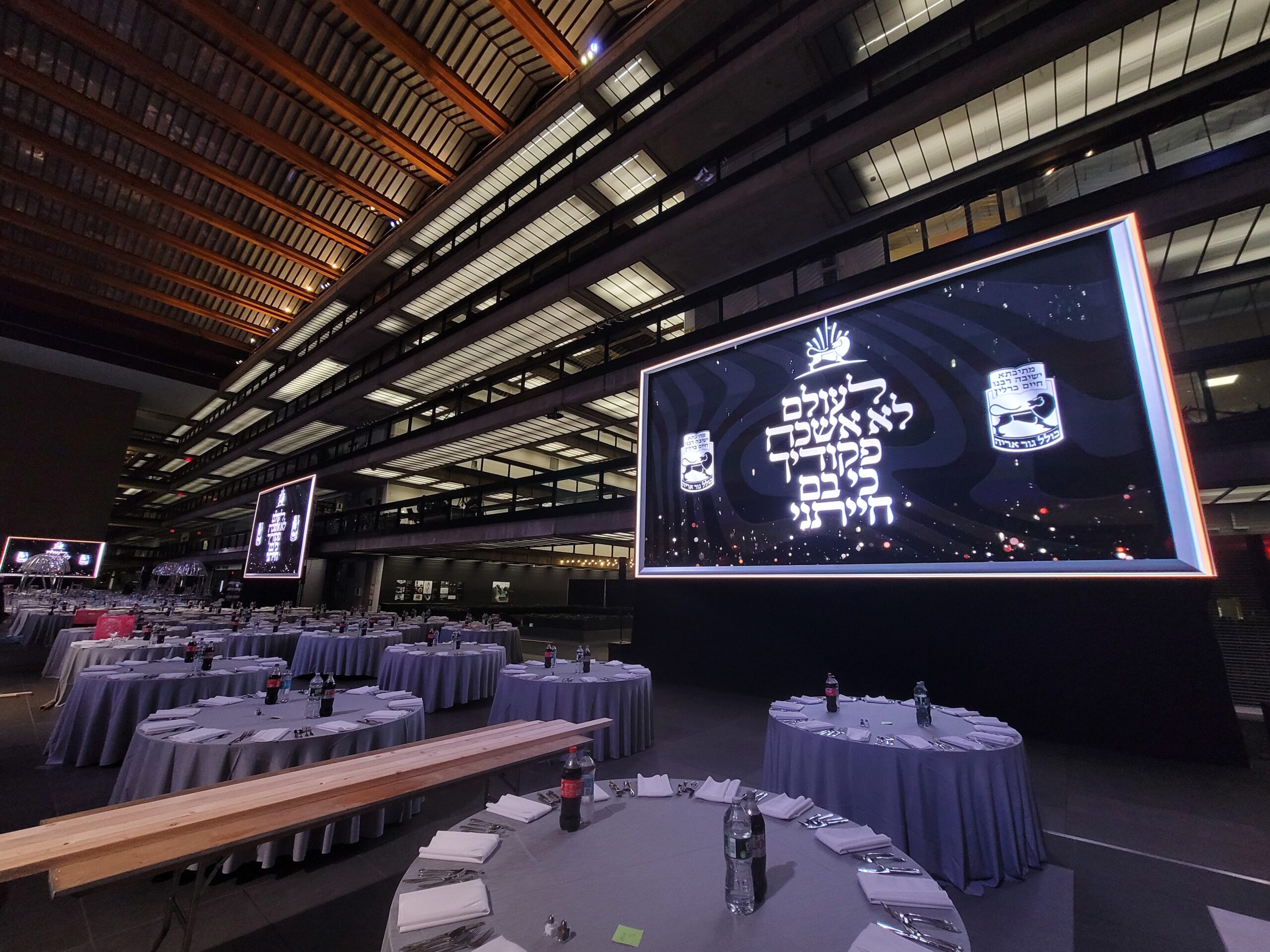
A lighting show that looks effortless from the audience represents hundreds — sometimes thousands — of decisions made before the first lamp ever fires in anger. The cue stack on a grandMA3 or an Eos Ti is the visible product of a workflow that begins weeks or months before load-in, and the quality of that preparation is what determines whether the LD runs the show or the show runs the LD. Here’s what the prep actually involves.
The Prehistory: Pre-Visualisation Before Load-In
Modern lighting pre-visualisation tools have compressed the gap between design intention and physical realisation in ways that the industry’s pioneers — people who built shows on a manual two-preset board in the 1970s — would find remarkable. Applications like WYSIWYG (What You See Is What You Get), Capture Polar, MA 3D (bundled with grandMA3), and Depence allow LDs to build complete patch databases, program cue stacks, and preview show sequences in photorealistic virtual environments before any physical kit is loaded.
The LD begins by importing the fixture schedule — a list of every light on the rig with its type, mode, and patch address — into the visualiser. This schedule comes from the Vectorworks Spotlight drawing or a CAD file provided by the production designer. Fixtures are placed in 3D space matching the physical rig, pan-tilt geometry is calibrated, and the virtual stage is dressed with scenic elements. At this point, the console — whether a real grandMA3 full-size or the grandMA3 onPC software running on a Windows laptop — is connected to the visualiser via Art-Net or sACN, and programming begins in earnest.
Building the Patch: The Foundation Everything Rests On
The console patch is not glamorous work, but errors here cascade through the entire show. Every fixture requires a universe and DMX address assignment, a personality file that accurately represents its parameter set, and a fixture number in the console’s fixture list. In grandMA3’s architecture, fixtures are assigned to fixture IDs within fixture groups, and the relationship between the patch and the programmer must be airtight.
Experienced programmers verify the patch against the physical rig fixture-by-fixture during focus, catching the personality errors, DMX conflicts, and fixture mode mismatches that pre-production inevitably produces. A Claypaky Axcor Profile 900 accidentally patched in Basic mode when the physical fixture is set to Extended mode will have its CMY colour mixing responding to parameters mapped to a completely different function. Discovering this mid-show is avoidable with methodical patch verification.
Cue List Architecture: Strategy Before Programming
Before writing a single cue, experienced LDs and programmers make structural decisions about cue list architecture that define the show’s operational logic. Will the show run from a single master cue list with everything sequenced, or from multiple lists — one per department, or one per section of the show — triggered by timecode or manual Go buttons? Will playback executors handle additive effects layered over the main sequence? What’s the default state when nothing is active — a blackout, a house look, or a safe stand-by?
In grandMA3, the distinction between sequences, presets, and effects is fundamental to building maintainable cue stacks. Presets store position, colour, and beam data independently of cues — meaning a colour change applied globally to a colour preset ripples through every cue that references it without manual updates. Productions that skip the preset architecture and write hard values into every cue discover the consequences when the LD needs to adjust the warm wash colour and faces updating two hundred individual cues by hand.
Timecode Integration: When the Show Runs Itself
For productions locked to playback — musical theatre, corporate events with video content, concerts with a fixed setlist and IEM tracks — SMPTE timecode or MIDI timecode integration provides the mechanism for frame-accurate cue triggering. The console receives timecode from the audio system (typically via Dante or a dedicated SMPTE reader on the network) and triggers cues at specified frame addresses. Building a timecode cue list requires knowing the show timecode map down to the frame — a document that must be finalised before programming and versioned meticulously as the show evolves.
Effects Engines and Macros: The Automation Layer
Large cue stacks on touring shows often leverage the console’s effects engine — grandMA3’s MAtricks and Effects system, or ETC Eos’ Effect Engine — to generate dynamic looks that would require hundreds of individual cues if written statically. A chaser effect applied to a rig of 48 moving heads, randomised with variable phase and speed parameters, creates organic movement that responds to BPM tapping or tempo input live. Understanding the mathematical basis of the effects engine — sine, cosine, random waveforms applied to parameters over time — is what separates programmers who can design looks from those who can only execute them.
The Read-Through: Stress Testing Before It Matters
Before the first technical rehearsal, a complete show read-through — running every cue in sequence, checking transitions, timing, and follow cue logic — is the final quality gate. This is where cue timing conflicts surface (a two-second fade that should be five seconds), fixture attribution errors are caught, and effect speed is validated against actual music. Productions that skip this step and arrive at technical rehearsal with an unverified show stack consistently waste expensive rehearsal time on issues that a read-through would have resolved in an office the day before.
